
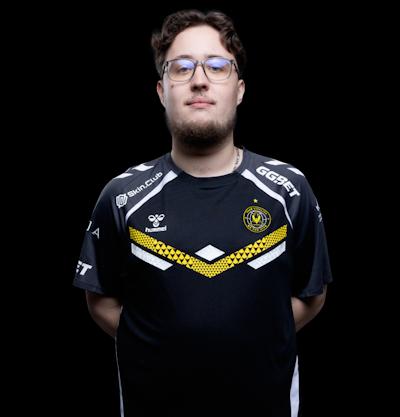
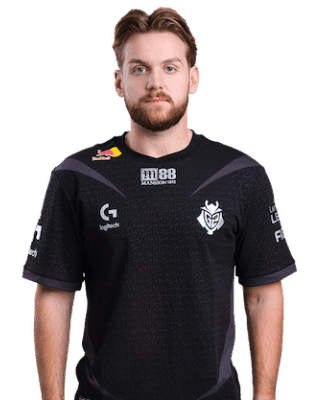
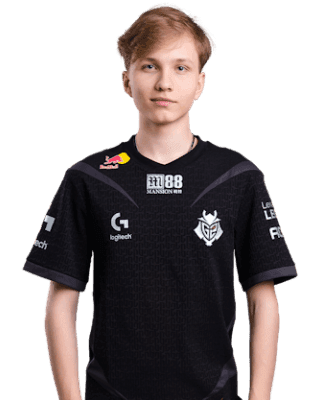







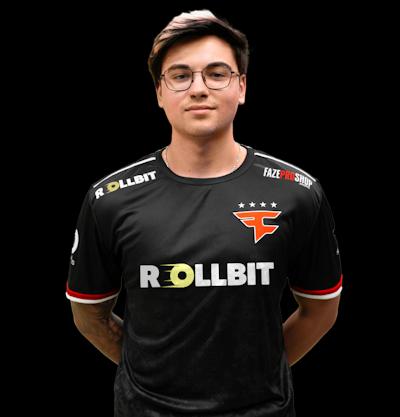







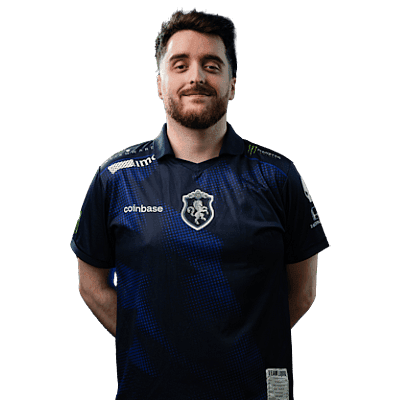
Pro Player Database

CS2 Pro Players

Complete database of professional CS2 players. View configs, settings, and crosshairs.

EXCLUSIVE OFFER

Get 500% Bonus

Join 2M+ players and claim the biggest CS2 deposit bonus available. Limited time offer!

🔒 Secure • ✓ Verified • ⚡ Instant

FAQ

Frequently Asked Questions

Pro player settings, crosshairs, and configurations for CS2

What settings do CS2 pro players use?

Most CS2 pros use 400-800 DPI with 1.0-2.0 in-game sensitivity, 4:3 stretched resolution, and high refresh rate monitors (240-360Hz). Settings vary by role - AWPers often use lower sensitivity while entry fraggers may prefer higher.

How do I copy a pro player crosshair in CS2?

Copy the crosshair code from our player profiles, open CS2 settings, go to Crosshair, click "Share or Import", and paste the code. The crosshair will be applied instantly. You can also manually input individual settings.

What is the best CS2 resolution for competitive?

Most pros use 1280x960 or 1024x768 stretched for wider player models. Native 1920x1080 offers better clarity and is popular with AWPers. Choose based on your hardware capabilities and personal preference.

Who is the best CS2 player in 2026?

Top CS2 players in 2026 include s1mple, ZywOo, NiKo, and m0NESY. Rankings change based on tournament performance. Check our player database for current stats, settings, and team information.

What viewmodel settings do pro players use?

Pro viewmodel settings vary but commonly use fov_cs_debug 68, viewmodel_offset_x 2.5, viewmodel_offset_y 0, viewmodel_offset_z -1.5. Desktop preset with adjustments is popular. Find exact settings in our player profiles.

How do I improve my aim in CS2 like pros?

Improve aim through consistent practice on aim trainers like Aim Lab or Kovaak, deathmatch servers, and reviewing pro demos. Use a large mousepad, consistent sensitivity, and practice crosshair placement at head level.

Still have questions?

Can't find the answer you're looking for? Check our detailed guides.